
QR Code Download
26
QR CODE DOWNLOADS
MAXIMIZE YOUR REACH
REACH
While RedPaint gives you access to its full user base, inviting your existing customers gives you direct access to their mobile devices. By engaging them through RedPaint’s marketing tools, you can extend your reach with every promotion and attract new customers.
EASY WAYS TO QUICKLY EXPAND YOUR REACH
1
SHARE YOUR CONTENT
A powerful way to instantly expand your reach is to share your content:
a) Share your profile from your Vendor Dashboard on any platform where you already have a following.
b) Login as a regular User, then share your own Specials and Events on any platform where you already have a following.
Add a personalized message to make your shares more engaging. This simple strategy helps expand your reach, build long-term customer loyalty, and boost repeat visits.
2
BOOST YOUR PROMOTIONS
Capitalize on RedPaint's low rates: Instead of just publishing your promotions for free, boost specials and activities/events via Push Notifications directly to users’ mobile devices, converting them to real foot traffic and sales.
3
OFFER REWARDS
Customers are always on the lookout for freebies. RedPaint’s unique Rewards Program turns that interest into greater reach, foot traffic, and revenue. Customers earn reward points for sharing your content, then visit your business to redeem them for Rewards you offer, while making a purchase . It’s a double win for your brand and your bottom line.
4
ENCOURAGE CUSTOMERS TO JOIN REDPAINT
Boost your future promotions by displaying QR codes at your business to encourage customers to download RedPaint. This gives you direct access to an engaged customer base. Simply download the preferred QR code size(s) provided below, print them, and laminate for durability. Display the codes in prominent areas where customers can easily scan them to download the app. For added benefits, email or WhatsApp us a photo of your QR code displays - contact us for more details!
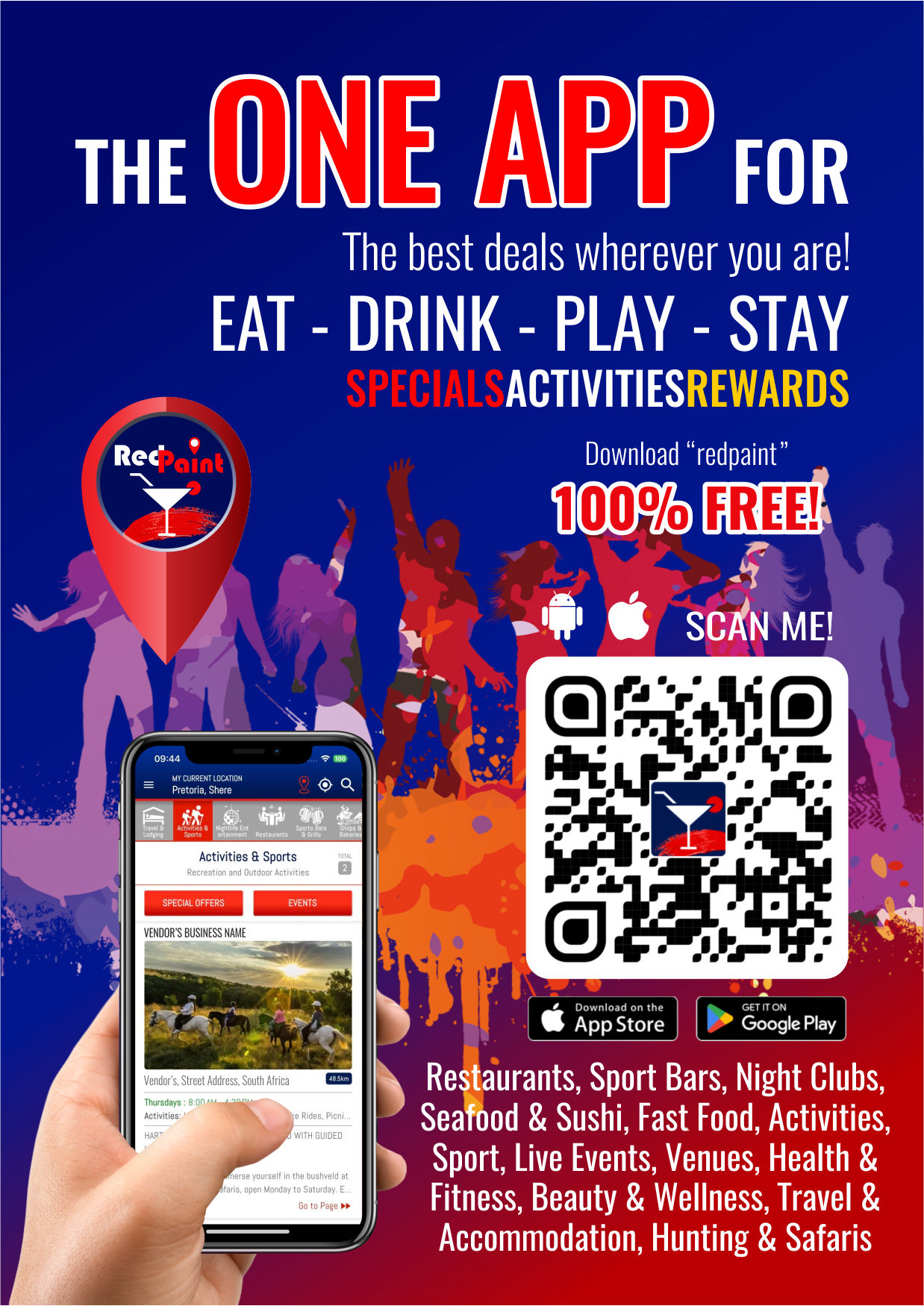
QR Code Designs To Display
Expand your Reach:
Download various sizes of QR-Codes to display in different places at your business (tables, doors/walls, counters, restrooms, etc.)
A6
FOR PLACING ON TABLES
The A6-size QR Code is ideal for placing on tables where it is visible to customers for quick scanning.
A5
FOR PLACING ON TABLES & COUNTER TOPS
The A5-size QR Code is ideal for placing on tables and counter tops where it is visible to customers for quick scanning.
A4
FOR PLACING IN RESTROOMS
The A4-size QR Code is ideal for placing in rest rooms (behind toilet doors, next to mirrors, and above urinals) where it is visible to customers for quick scanning.
A3
FOR PLACING ON DOORS & WALLS
The A3-size QR Code is ideal for placing on doors and walls where it is visible to customers for quick scanning.
A2
FOR PLACING ON DOORS & WALLS
The A2 Poster-size QR Code is ideal for: Entrance/Restroom doors and outdoor areas.
QR-CODE DOWNLOADS
DOWNLOAD
Strategically placing QR codes at yourbusiness - tables, counters, walls, doors, or restrooms - allows customers to quickly scan and download RedPaint. This allows you to effortlessly promote your specials and events to them with precision, whenever you choose.
NOTE: Use CMYK versions for printing and RGB versions for digital distribution or screen displays.